ClearClaim
Let us help you navigate the system.
Store your documentation,
Track your students capped spending,
Put together better submissions,
The tutorial below will show some of the key features, but this AP is meant to be what parents NEED it to be,
Have and issue?? Have a suggestion?? Give me a ring.
***note when making your account once you select AR as your state the family tier plan will be free ****
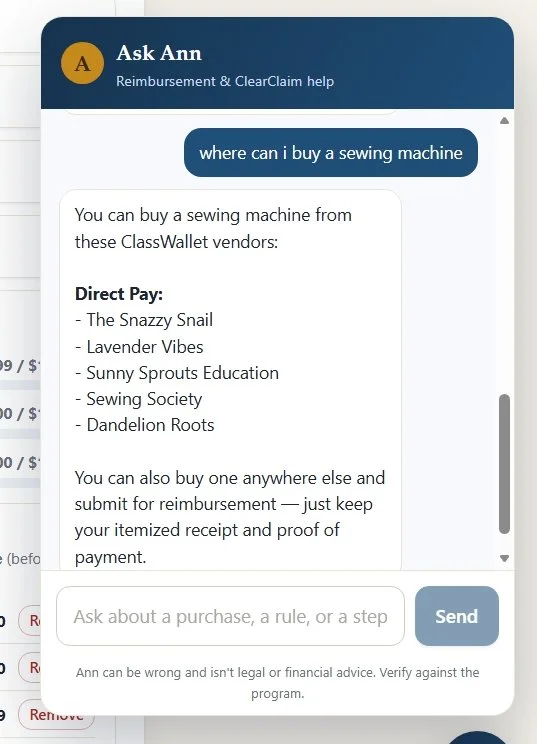
Ask the AI questions to find items and check on rules.
Organize, Store and Manage your EFA documentation.
ClearClaim is an independent tool and is not affiliated with, endorsed by, or connected to ClassWallet, the Arkansas Department of Education, or any state EFA or ESA program. It's built to help you prepare stronger submissions and reduce rejections, but its guidance — including AI features like Ask Ann and the eligibility check — can be incomplete or wrong, so always confirm current rules with your program before you buy or submit. ClearClaim does not guarantee approval or reimbursement and is not legal, tax, or financial advice. Terms & full disclaimer · Privacy
About the APAll the information you need to track in one place.
This application was created to help assist AR parents in organizing and sorting the information needed to submit and track claims for their students in the EFA program.
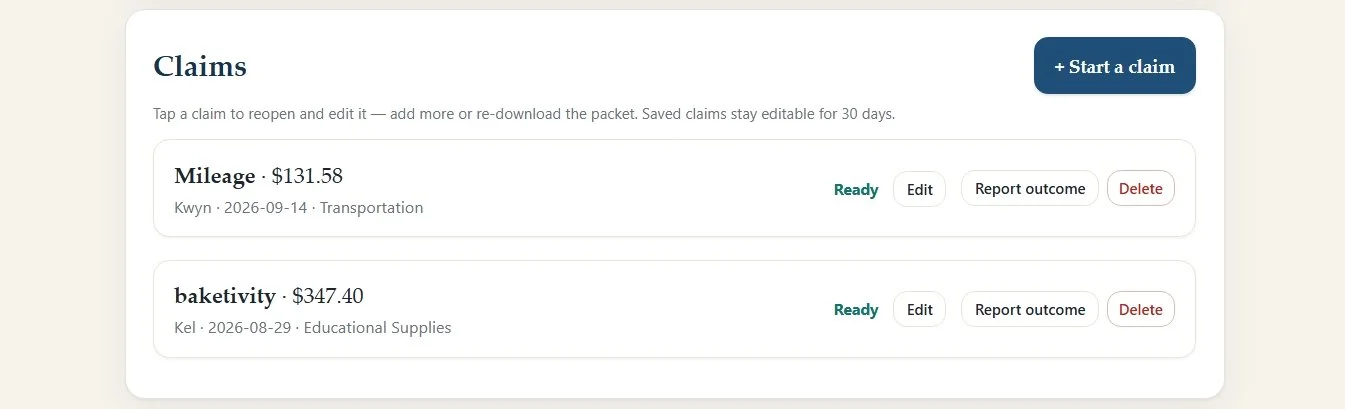
Claims can be finished in one go or you can start one with the documentation you have now and add your documentation until it is completed with the edit feature. Then download the pdf file and submit it to classwallet once you have completely put it together. Step away, deal with the disasters, chase a child down, you won’t have to start over preparing your reimbursement or direct pay or marketplace documentation for submission.
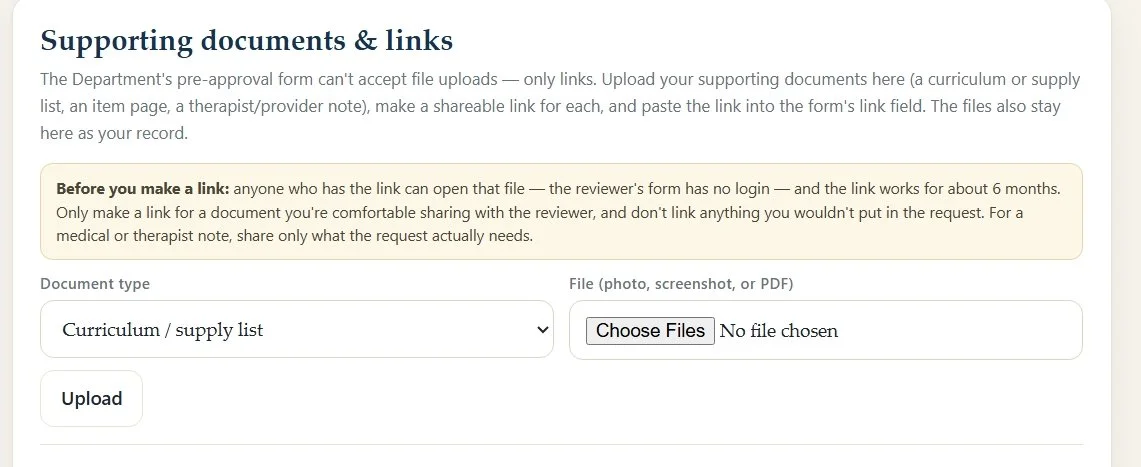
When putting together a PREAPPROVAL you can now use clear claim to provide supporting documentation, Any document you add to this section when preparing your preapproval will produce a link that can be used in the form for them to view the documents. This means notes from therapists or dr’s to support the need for specialized items and images of broken items that you need approval to replace can be uploaded and then linked in the preapproval form.
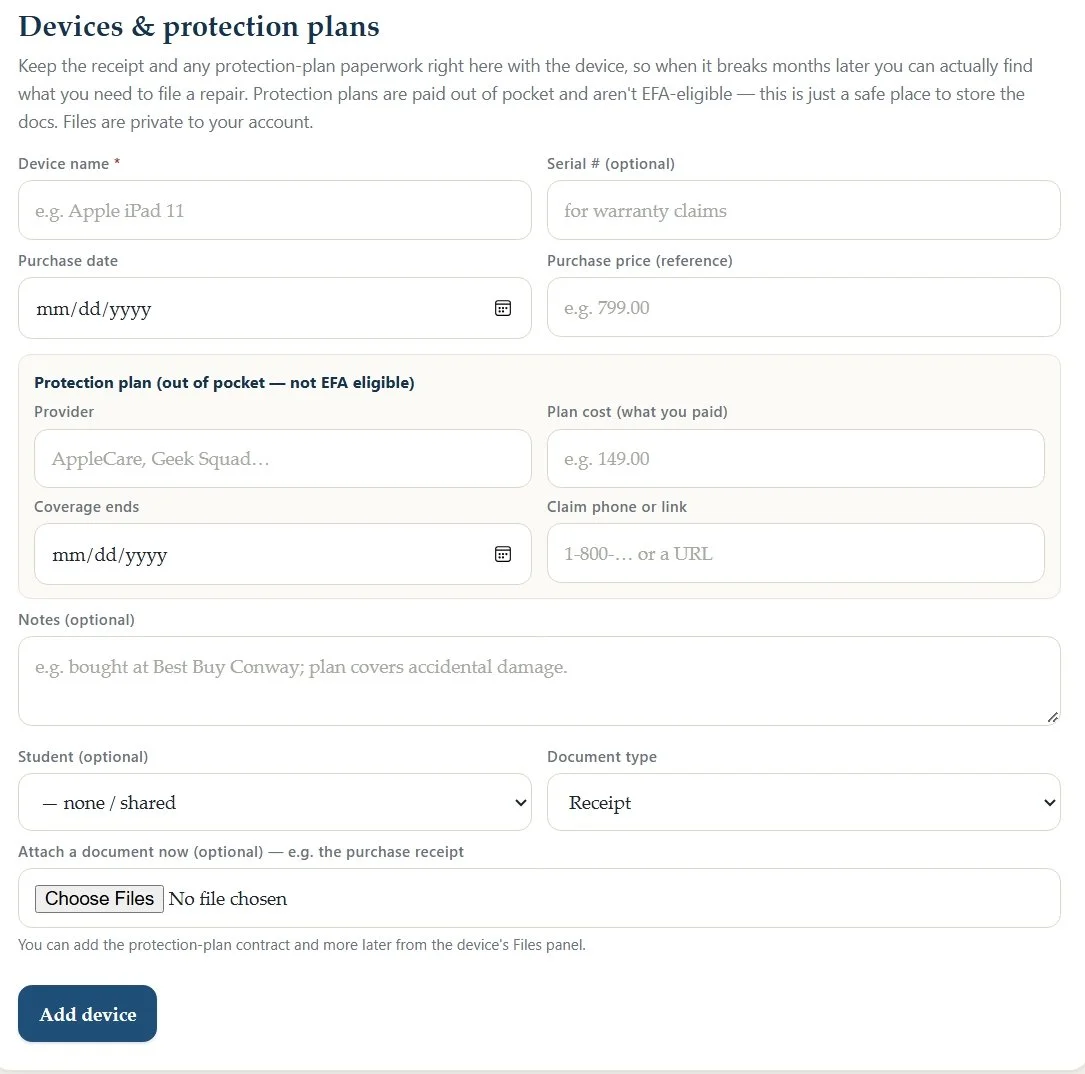
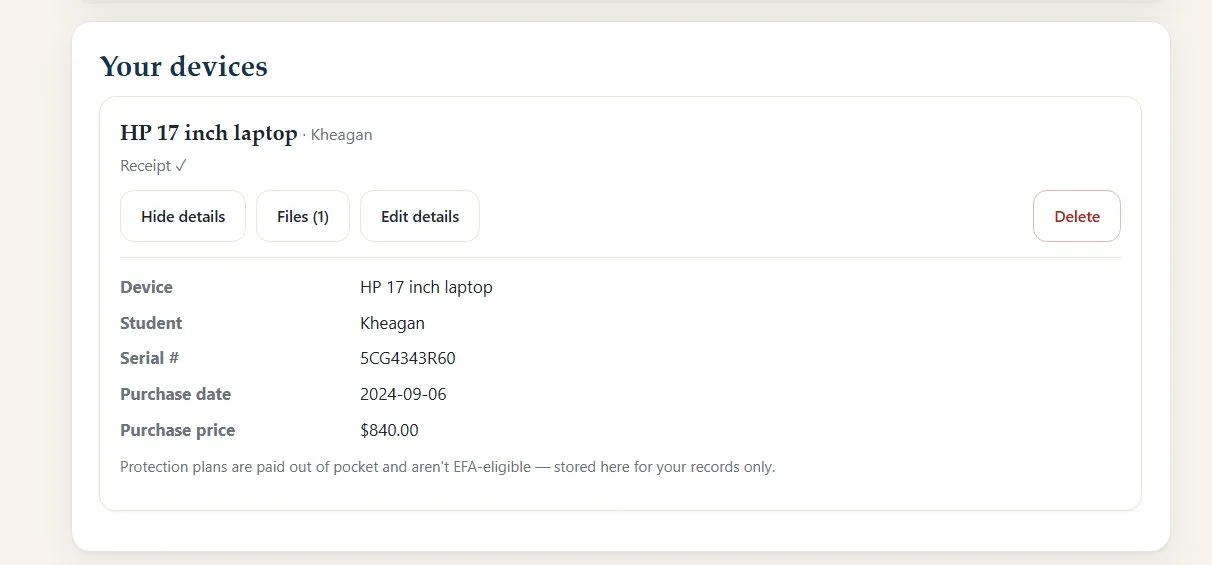
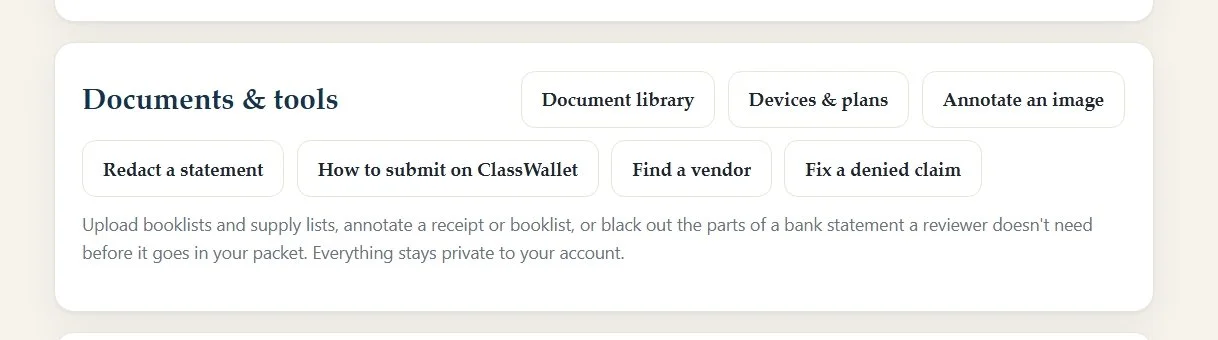
Store your documents and receipts and information on devices such as the serial number and receipt and info on any protection plan you added. Redact your CC or bank statement, store your children’s medical Diagnosis paperwork, and preapprovals you need to use the full year over and over.
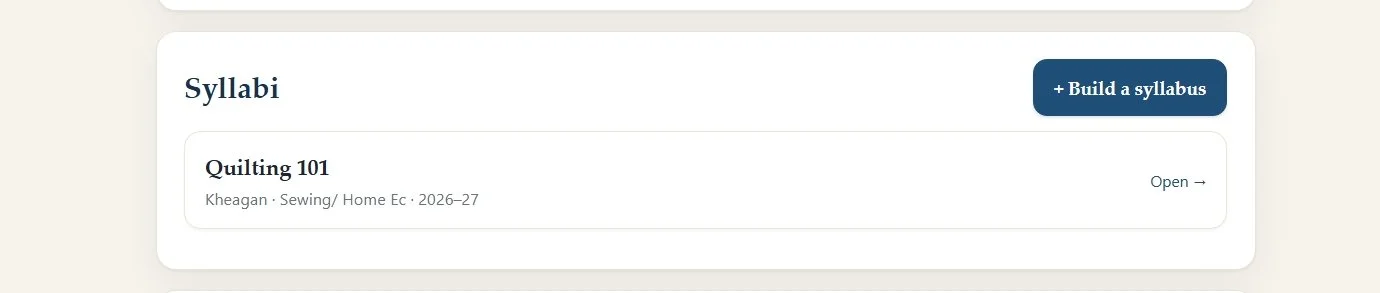
Build a Syllabus to attach to a request
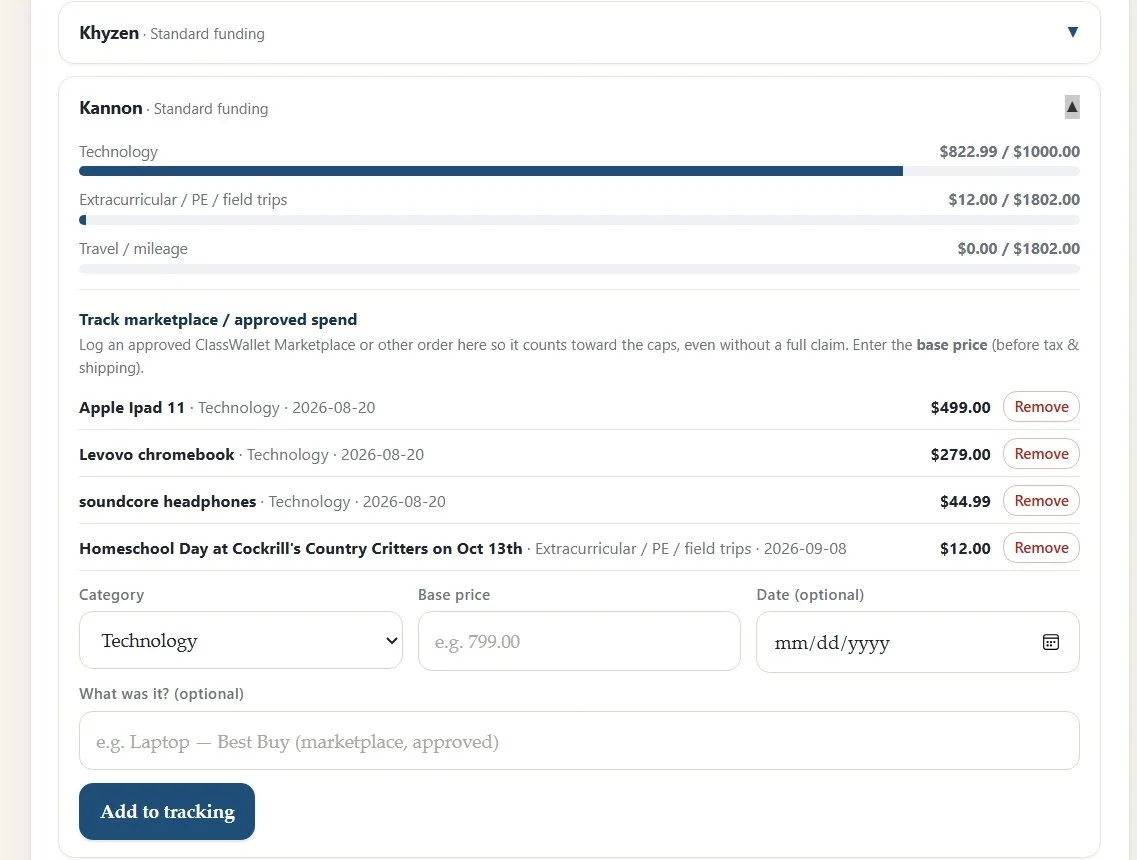
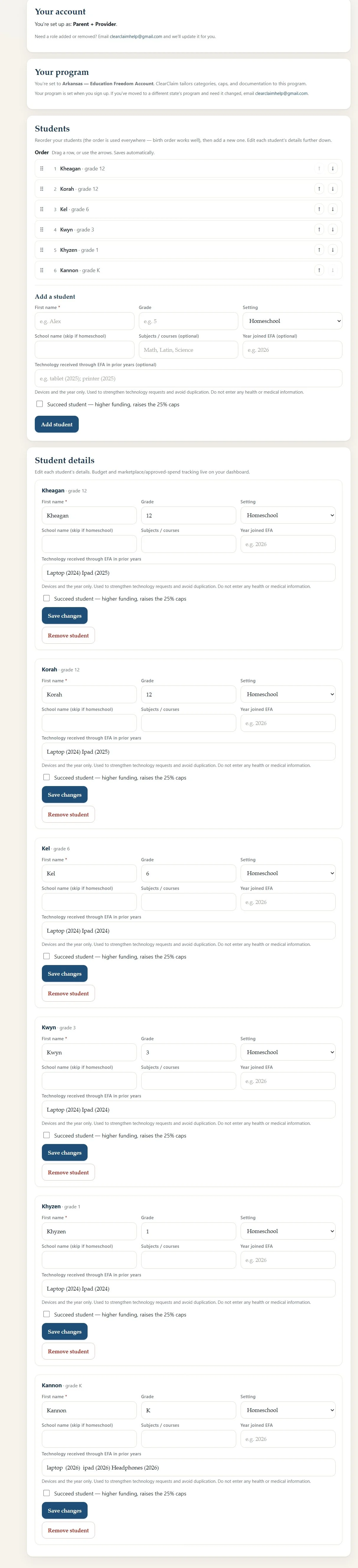
Add the student’s technology and EC and field trip and mileage submissions to their personal tracking area.
Each child’s capped categories are tracked allowing you to see what they have used for the year and what they have left in each capped area.