Adding a new student to an existing FACT account application.
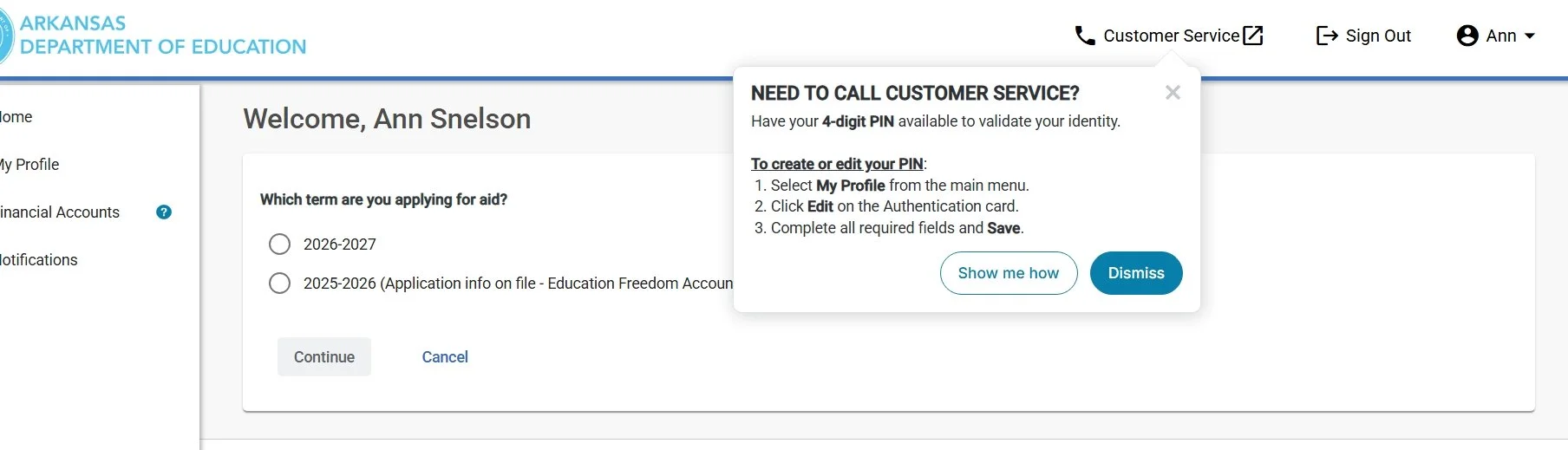
When you log into FACTS you will select the 2026-2027 application.
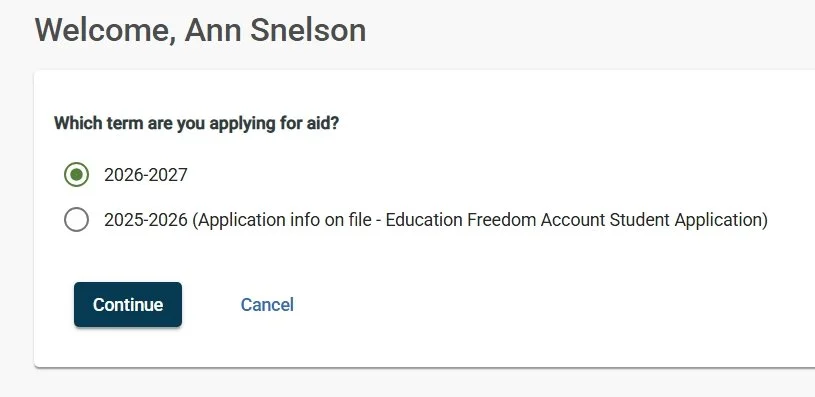
After you click the term choose CONTINUE.
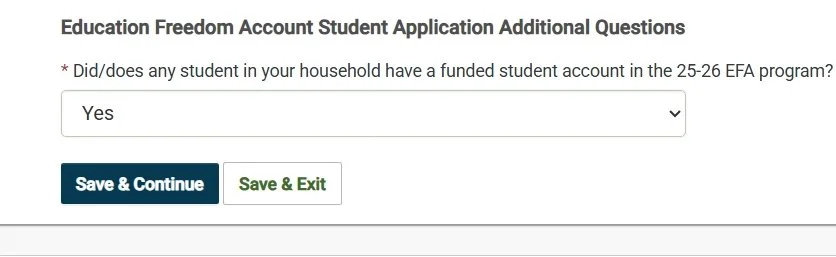
Next it will ask if any students in the house were funded in the current school year. So if you have funded students and are ADDING a new student you want to choose YES.
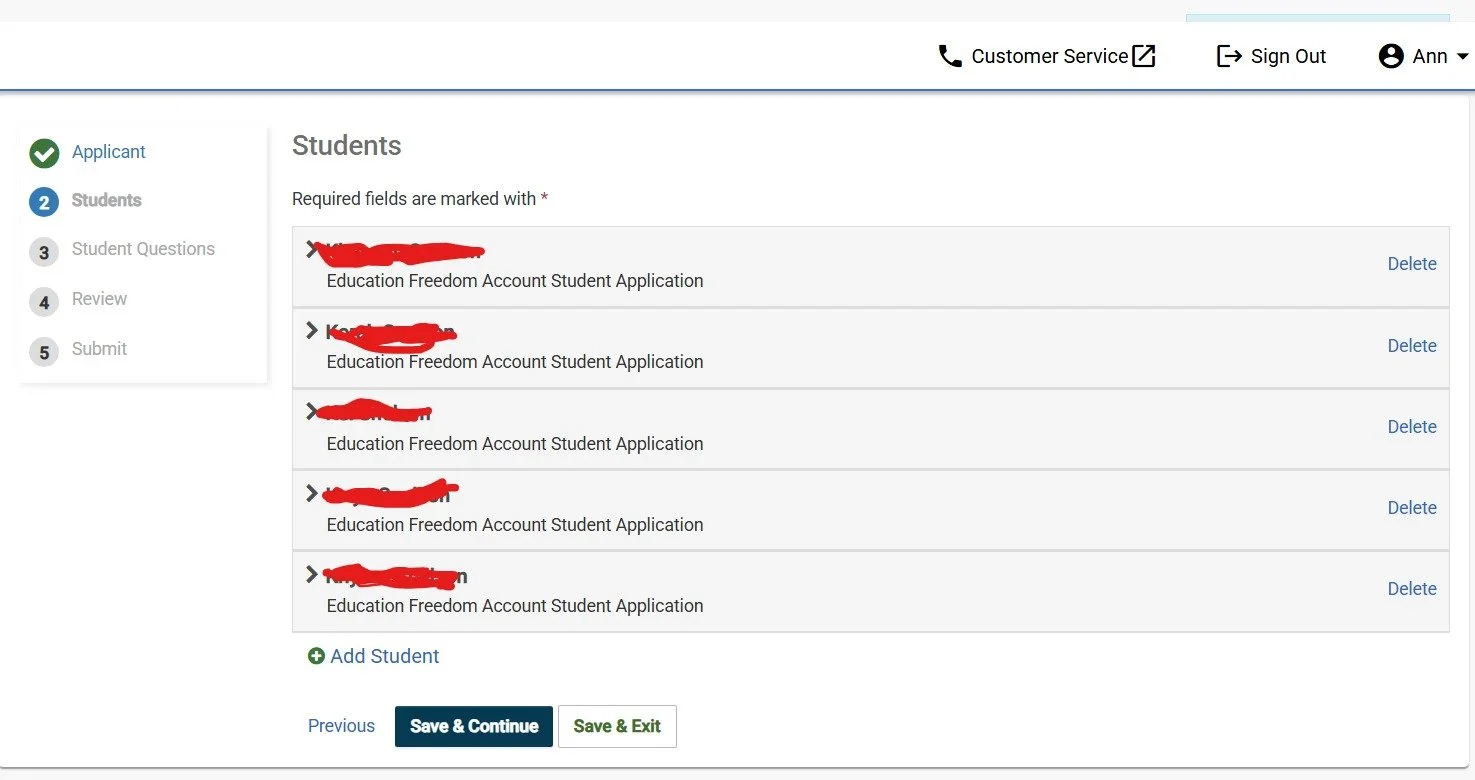
This page has all of your current student/students listed and a spot right below them is says to ADD STUDENT. HERE YOU NEED TO DELETE STUDENTS THAT ARE ALREADY FUNDED. ONLY LEAVE THE INFO FOR THE STUDENT YOU ADD.
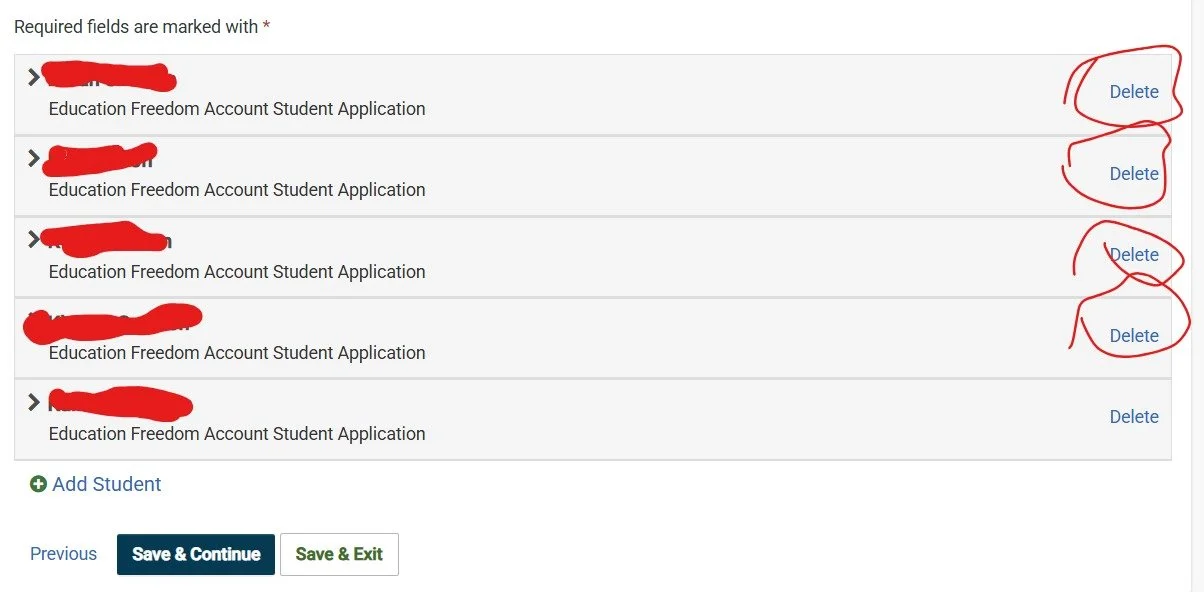
Then you want to SAVE AND CONTINUE
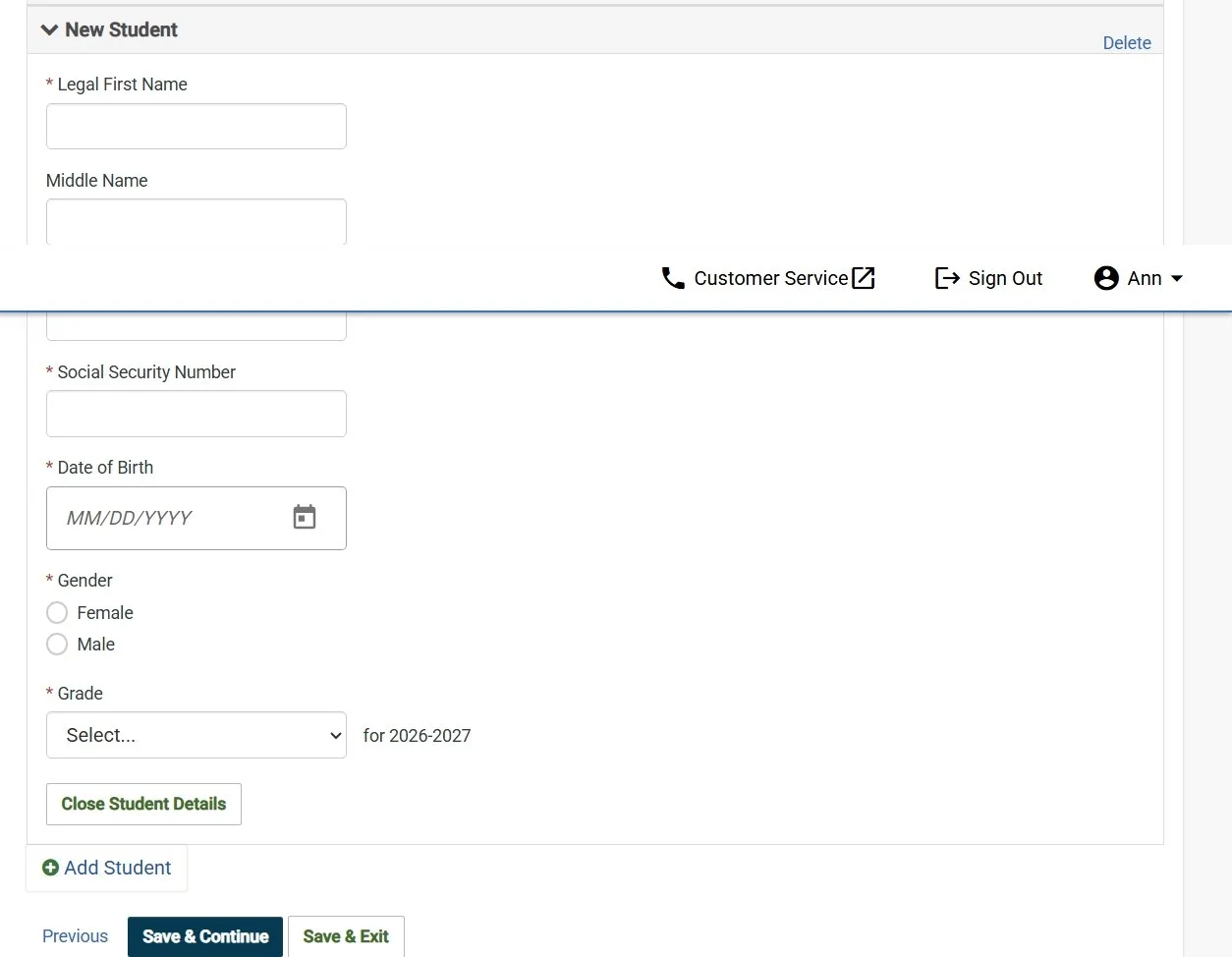
The details will open up to add that student and you will fill all blanks in THIS is where you need the child’s social security number. PLEASE BE VERY CAREFUL to check that the SSN is accurately entered.
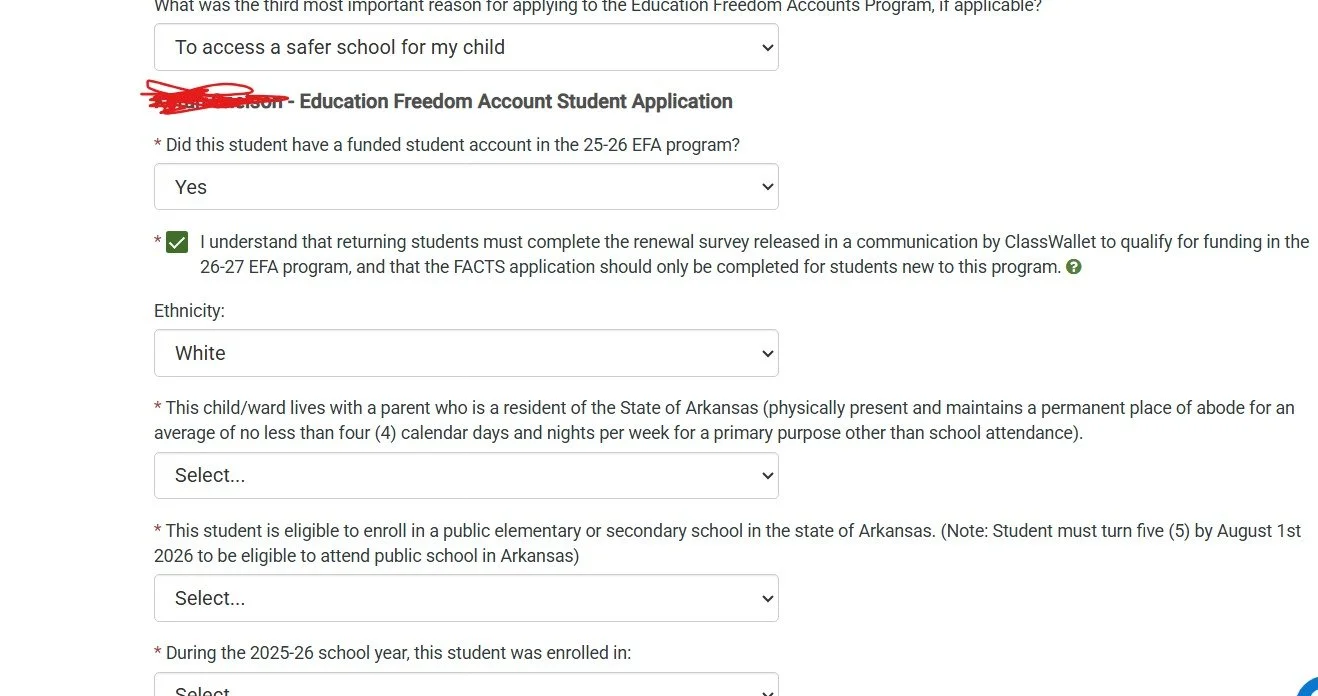
The next page has the survey it will pop up the survey for ALL of your student including the new one. It would NOT let me move past this page without doing every question so you will need to just do the survey for every student.
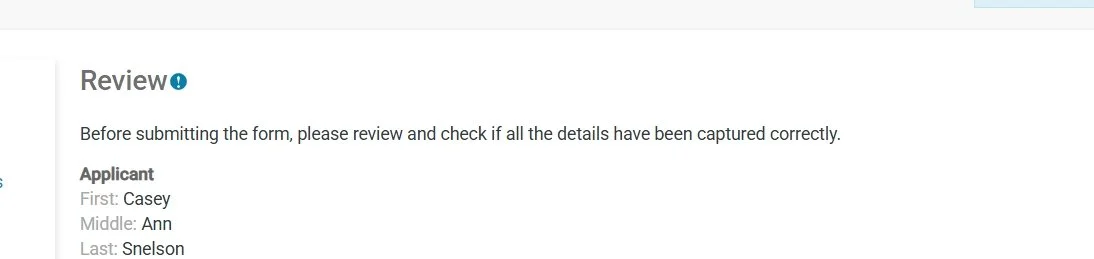
The next page is review. REVIEW all of the info but extremely carefully review the new student.
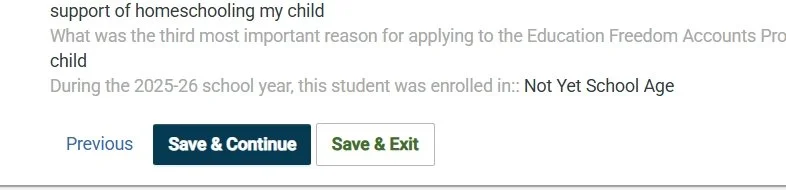
After fully and CAREFULLY reviewing choose SAVE AND CONTINUE.
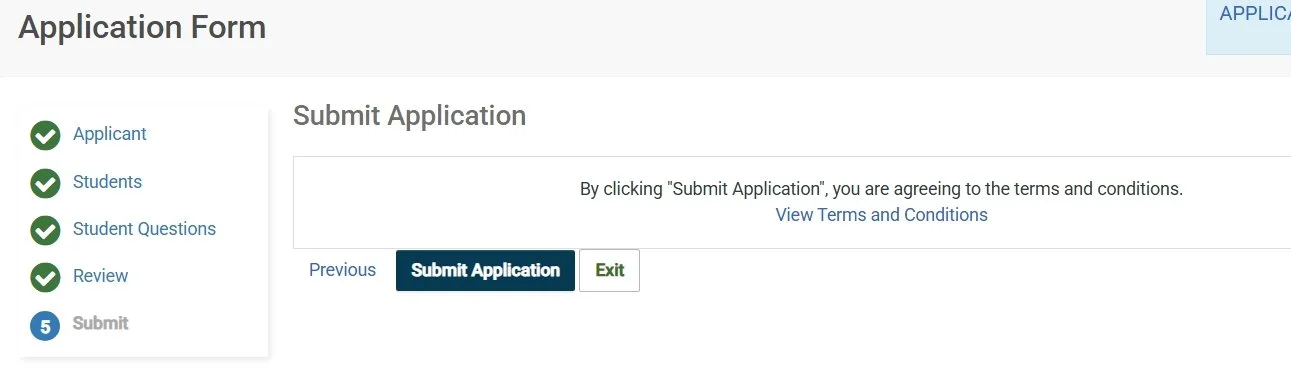
NOW it will offer an option to SUBMIT APPLICATION. so, like submit it…
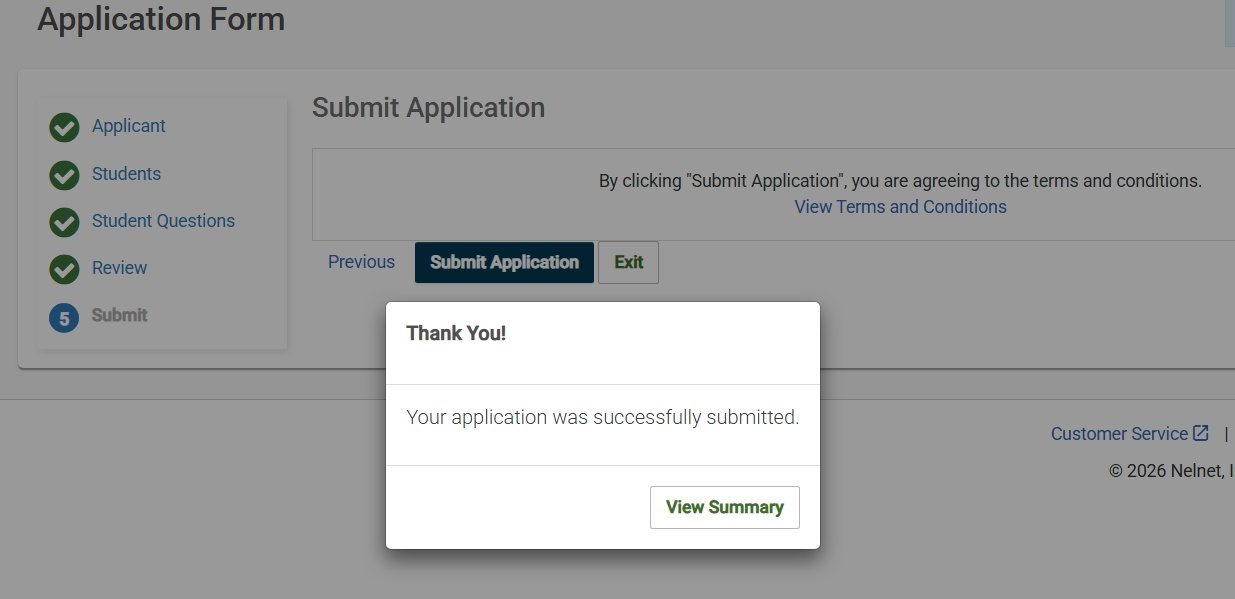
NOW you will get this popup that says Your application was successfully submitted. BUT if you just added a new kid it is NOT completed. Submitted and Completed are NOT the same.
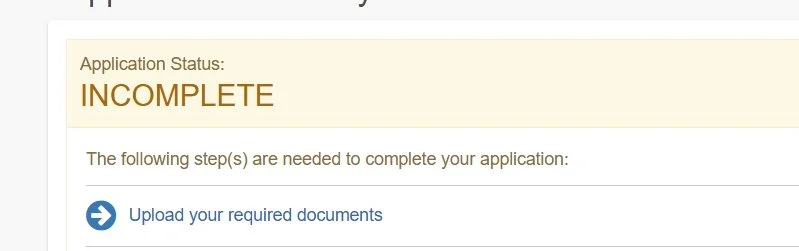
When you get to the review page its gonna tell you it is INCOMPLETE.
Right below incomplete is an option to upload required documents.
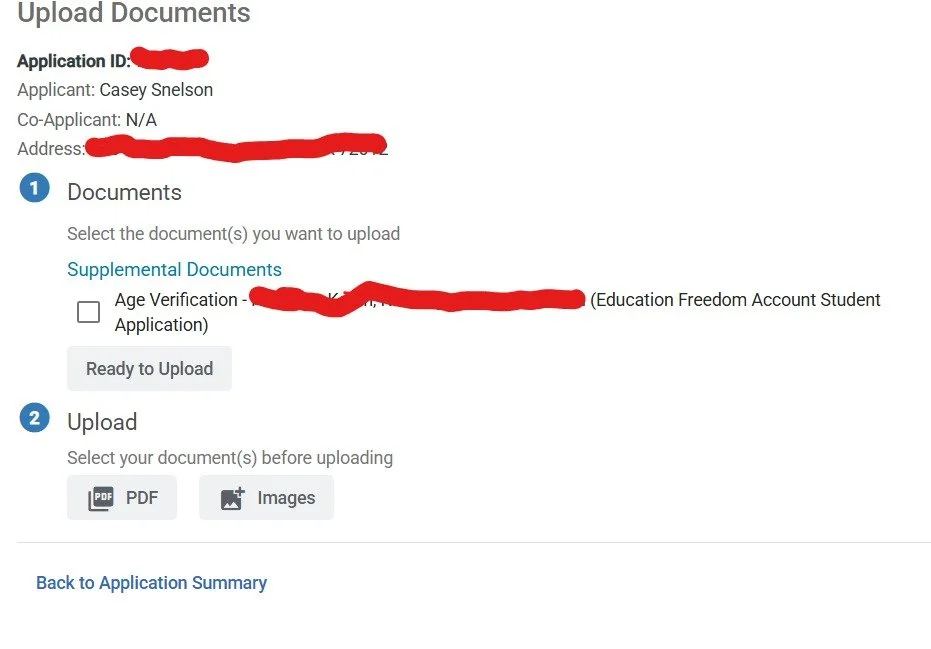
Once you click that link this page comes up that lets you upload. You will click the box by age verification. Then you will select and upload your document or documents.
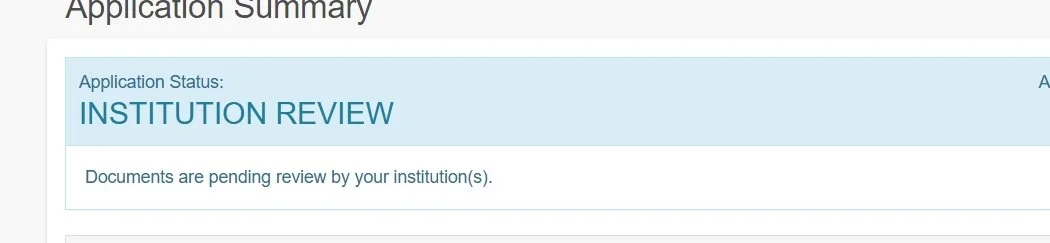
Once you have uploaded it then your status will now reflect INSTITUTION REVIEW and is in fact NOW actually completed.
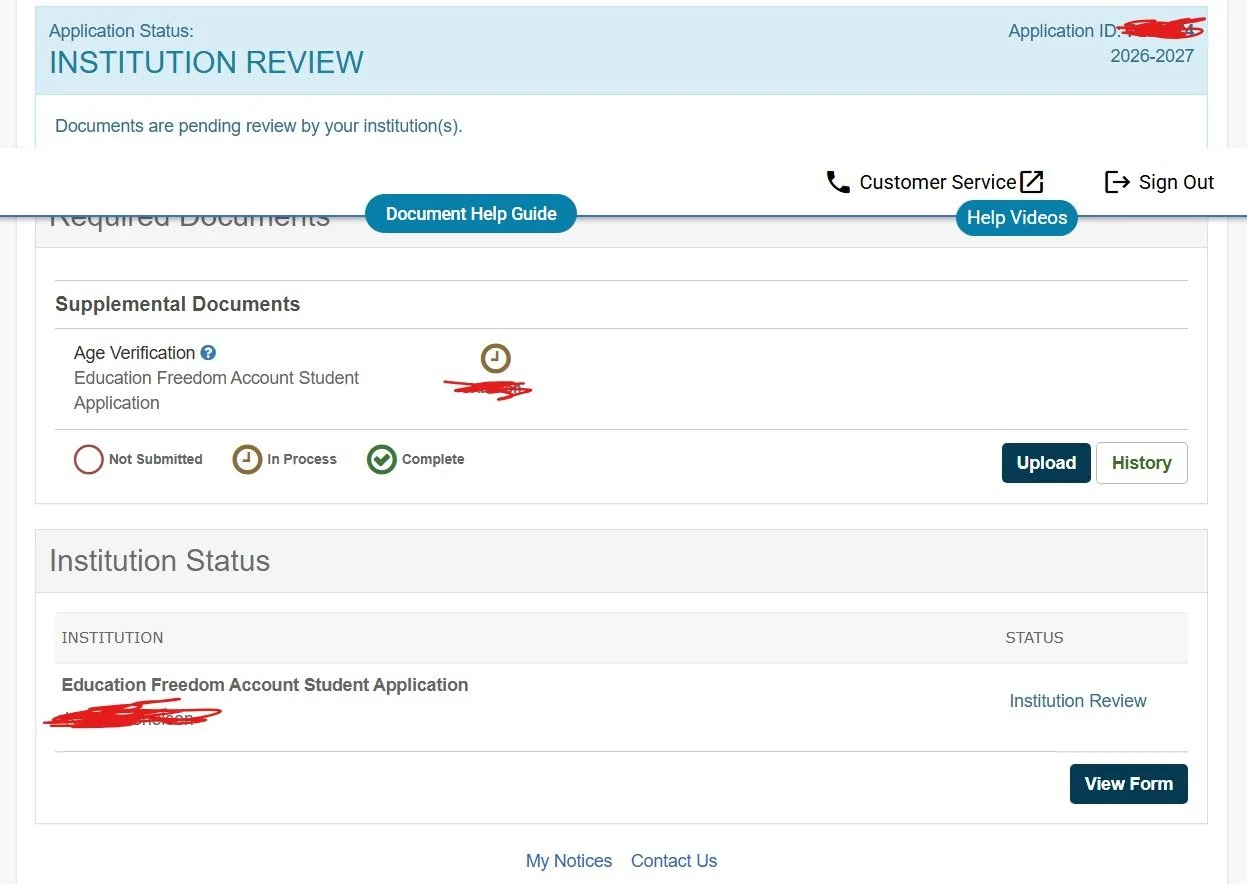
If you go back in and review the application again now it will show institution review on the right there next to the new student that has been added.
Congrats! You did it. Now you will still need to do the survey in classwallet for any existing student that will be signing up to stay in the program for the new school year.